

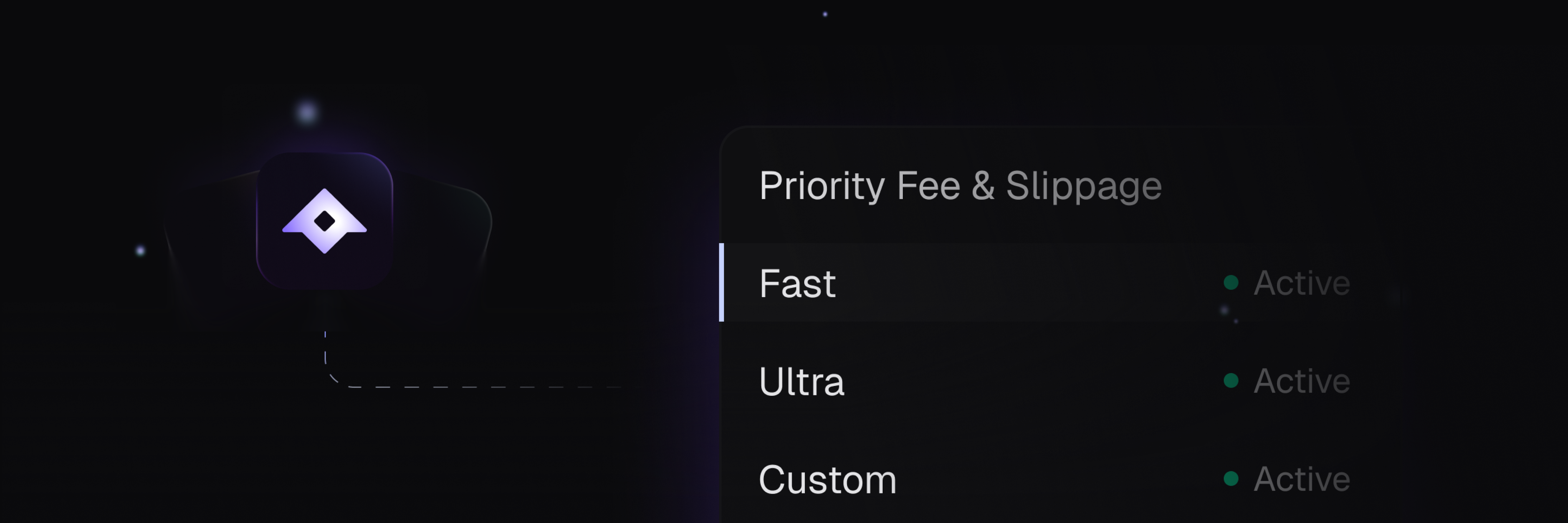
What is Priority Fee?
Priority fee determines how quickly your transaction gets processed by validators. Higher fees mean faster execution.| Mode | Cost | Best for |
|---|---|---|
| FAST | 0.0002 SOL | Most use cases. Already faster than other platforms |
| ULTRA | 0.002 SOL | Sniping, arbitrage, or congested network |
| CUSTOM | You decide | Full control. Set mode: "CUSTOM" and your value in customValue |
FAST is the default. Already faster than most trading platforms.
When to Use ULTRA
ULTRA mode is recommended when:- Sniping tokens: You need to be among the first buyers
- Arbitrage: Speed is critical for profit
- Network congestion: Solana is overloaded and transactions are slow
How to Configure Priority Fee
Transaction priority level. Options:
FAST: 0.0002 SOL per transaction (default)ULTRA: 0.002 SOL per transactionCUSTOM: Use the value specified incustomValue
Custom priority fee in SOL. Only used when
mode is set to CUSTOM.Minimum recommended: 0.0002 SOLExamples
- FAST (default)
- ULTRA
- Custom
What is Slippage?
Slippage controls how much price movement you accept during a swap. A higher slippage tolerance means your transaction is more likely to succeed, but you may receive fewer tokens.Modes
You can specify slippage in two formats:| Type | Description | Example |
|---|---|---|
| PERCENT | Percentage of price movement | 10 = 10% |
| BPS | Basis points (1/100 of a percent) | 1000 = 10% |
Parameters
Slippage unit. Options:
PERCENT: Value represents a percentage (e.g., 10 = 10%)BPS: Value represents basis points (e.g., 1000 = 10%)
Slippage tolerance value. Interpreted based on the type.
Examples
- Percentage
- Basis Points
Accept up to 10% price movement.